 Organiq
Search Console for agencies and consultants: every client site in one AI connector
· Organiq · third-party facts carry source and date in the text
Agencies and consultants connect the Search Console properties of every client to one Organiq account and ask Claude, ChatGPT, Cursor or Codex about any site by name. The Agency plan covers 50 properties and 5 seats for US$ 49 a month, with the GEO add-on included. Google access is read-only.
How do I put every client's Search Console in one connector?
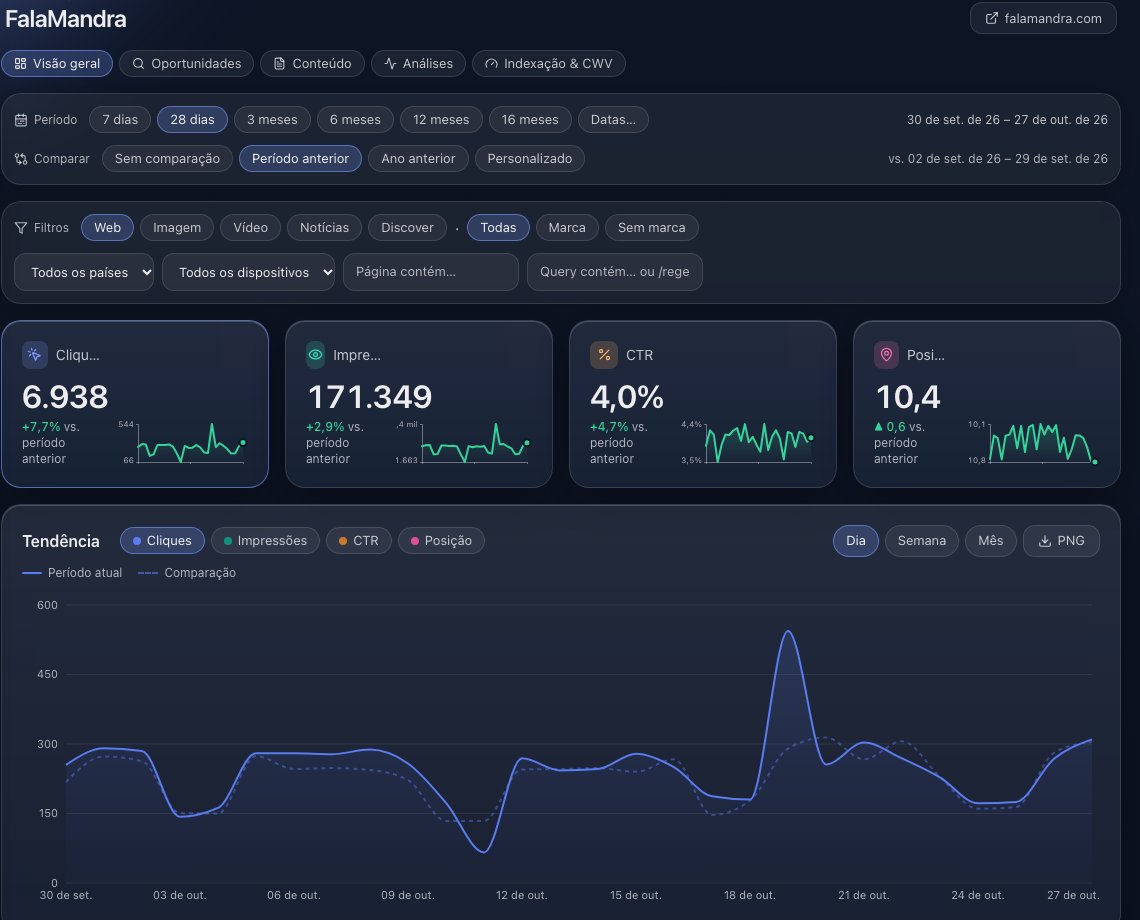
In 4 steps, with one Google account of yours: the owner of each property grants access in Search Console, you connect Organiq once and activate the sites in the dashboard. Each client's data stays in your Organiq account.
- In the client's Search Console, the owner opens Settings → Users and permissions → Add user and enters your Google e-mail, as a full or restricted user (Search Console Help).
- Connect Organiq in your AI client with that Google account: Claude, ChatGPT, Cursor (the same guide covers Codex). The sign-in imports every verified property the account can see, as owner, full or restricted user, and activates one.
- In the dashboard (app.organiqgeo.com), activate the other properties up to the plan limit.
- In the chat, name the site: the
siteparameter accepts the display name, the Search Console URL, the id or a unique substring;list_siteslists them all.
How does the optimization cycle run in each client's repository?
The optimization-cycle skill runs inside one site's repository, with that property's Search Console data. Each pass judges the previous pass's changes at day 14 and day 28, picks at most 3 page edits and 1 new page, edits the files, runs the project's checks and logs each change with its baseline in .organiq/cycle.md.
- Open the client site's repository in Claude Code, Cursor or Codex, with Organiq connected.
- Ask "run the optimization cycle". The skill checks that the repository's domain is the property's and stops if it is not.
- It judges each logged change: revert when the page's impressions for the target query fall 30% or more while the whole site moves less than 10%; keep when they rise 10% or more or position improves by 1.0; iterate otherwise.
- A page that already brings clicks gets additions below the first paragraph; title, H1 and URL stay.
- Nothing is committed or published unless you ask; the log stays in the repository, next to the client's code.
The skill ships in the Claude Code plugin (guide), at agent-skills and as an MCP prompt (prompts/list) in other clients. In a chat with no file access, it delivers each change as before-and-after text.
What history does each client site keep?
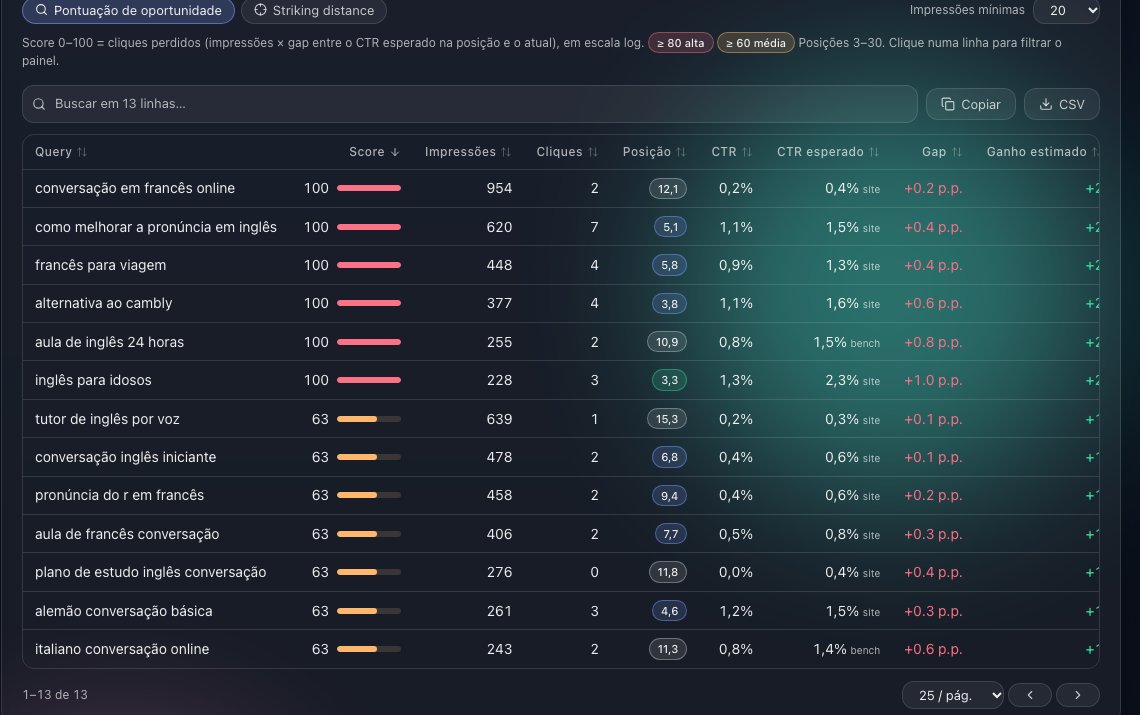
At connection, Organiq imports the 16 months Google still holds for each property and syncs daily into its own database. Starter and Agency have no window limit from the connection date; Free keeps 90 days. Data Google dropped before the connection does not come back. Guide: the 16-month limit of Search Console.
How do I request indexing for client pages?
The request_indexing tool (scope mcp:write) sends up to 100 URLs per call to IndexNow (Bing, Yandex, Naver, Seznam, Yep) and, when the property enables it, to the Google Indexing API, which accepts pages with JobPosting or BroadcastEvent markup. On the Agency plan the limit is 2000 URLs a day on IndexNow and 500 on Google, summed across the account's properties. Guide: URL indexing.
What goes into the weekly report for each client?
One call per property: get_weekly_digest compares the last 7 days with the 7 before and returns movers, anomalies, alerts and 3 actions; generate_seo_report returns the full report in markdown in one call. The weekly-report skill writes the text from those tools. Ask for "the weekly report of each client" and the AI repeats it for every site in list_sites.
What does the Agency plan include, and what does it cost?
The Agency plan costs US$ 49 a month (in US dollars (USD), or in Brazilian reais (BRL) in Brazil), charged through Stripe; during the launch, all features are unlocked, no card required. Above 50 active properties the service answers "plan limit reached" with a link to the plans, and nothing is deleted. Plan items: 50 properties; 5 seats; Unlimited history; GEO add-on included; Weekly reports per client; Indexing per day: 2000 URLs on IndexNow and 500 on the Google Indexing API.
| Plan | Properties | Seats | History | GEO add-on | Indexing per day (IndexNow / Google) | Price per month |
|---|---|---|---|---|---|---|
| Free | 1 | 1 | 90 days | — | 50 / 0 | US$ 0 |
| Starter | 5 | 1 | no window limit | US$ 9 extra | 400 / 100 | US$ 9 |
| Agency | 50 | 5 | no window limit | included | 2000 / 500 | US$ 49 |
Values read from the plan catalog; full page: pricing.
How does Organiq differ for an agency?
In one factor the code proves, with the exception read on October 30, 2026 and November 5, 2026 on the same line.
- Factor: an optimization cycle that edits each client repository and judges every change at day 14 and day 28 against the baseline saved in the project.
- Comparison and exception: Optimization-cycle skill: edits the files of your site repository using the property's own Search Console data, and judges each change at day 14 and day 28 against the baseline measured when it was made and saved in the project (.organiq/cycle.md), separating the movement of the whole site and undoing through git. Exception: GSC Wizard experiment-results reads an SEO split test with a control group, confidence interval and p-value, which Organiq does not do (it compares a page with its own baseline and with the whole site, with no significance test), though that test is created in its app and does not edit files. AgriciDaniel/claude-blog edits post files (blog-rewrite backs up the original and checks that a content score does not fall) and reads Search Console exports (blog-decay compares two periods per page); AgriciDaniel/claude-seo seo-drift saves on-page snapshots (title, headings, schema, Core Web Vitals) in a local SQLite file and diffs the page later, with no Search Console metrics and no file edits. Neither describes a per-change verdict against a baseline saved when the edit was made (SKILL.md of blog-rewrite, blog-decay and seo-drift, read on 2026-11-05). The skill lists of the other servers in the table were read on the README or product page, not in each SKILL.md. Sources read on 2026-11-05: github.com/jbobbink/seo-gsc-wizard, github.com/AgriciDaniel/claude-blog, github.com/AgriciDaniel/claude-seo, github.com/AminForou/mcp-gsc, github.com/ahonn/mcp-server-gsc, github.com/Suganthan-Mohanadasan/Suganthans-GSC-MCP, github.com/mamrrez/gsc-mcp-full, mcpsearchconsole.com, docs.ahrefs.com/mcp (introduction page), developer.semrush.com/api/basics/semrush-mcp, github.com/coreyhaines31/marketingskills. For agencies, one more exception: above 50 properties per account, GSC Wizard lists plans of 650 properties (gscwizard.com/pricing).
- Where to see it: section 4 of the optimization-cycle SKILL.md (keep, iterate and revert rules) and the table at Google Search Console MCP servers compared.
Frequently asked questions
Does my client need an Organiq account?
No. The property owner adds your Google e-mail under Settings → Users and permissions in Search Console; you connect Organiq with that account and the property is imported.
Can one client see another client's data?
The connector reads the properties of the signed-in account and nothing else. A client who connects their own Google account sees the properties that account can access.
Does Organiq write to the client's Search Console?
No. Google access is read-only; the 5 tools that write change Organiq data and nothing else (linked GA4, Bing, brand terms, indexing requests).
What happens above 50 properties?
The service answers "plan limit reached" with a link to the plans; nothing is deleted or deactivated. The Agency plan limit is 50 active properties.
Does the optimization cycle need Claude Code?
To edit files it needs a client with access to the repository: Claude Code, Cursor or Codex. In a chat with no file access, the skill delivers each change as before-and-after text, plus the log rows for you to save.